Swift Ops logoSwift OpsWork instructions from video
Capture

Turn process videos into work instructions.

Upload a process video or desktop recording. Capture creates an illustrated, editable draft with steps, tools, and checks. Review it against the video, then export it or send it for document approval.

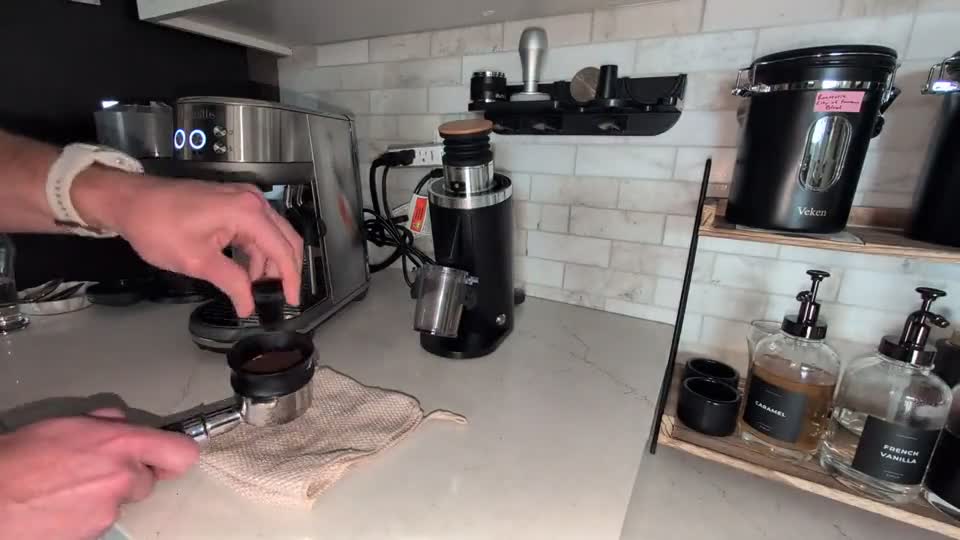
Espresso preparation source frame: distributing coffee grounds

Espresso preparation

Source
25-second recording
Output
9 steps
Status
Editable draft
Review the actual example ↓
Actual espresso output

Review the generated instruction.

One 25-second preparation recording, a nine-step baseline, and a concrete review task. Open the example below to see how the output supports a decision.

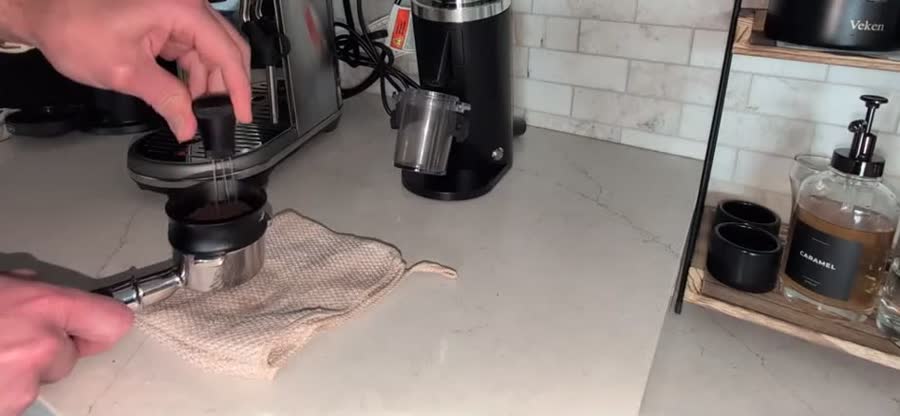
Source frame at 00:10: using the needle distribution tool on the espresso grounds
Source evidence · Espresso preparation · 00:10
The examples below may refer to other points in the recording.
Step 3 of 9 · Capture draft

Distribute the coffee grounds

Stir the coffee grounds using the needle distribution tool (WDT) in circular motions to break up clumps and equalize density.

Try editing this sample step

Example only. Edits stay on this page and are discarded when you leave. Review instructions against the source video before use.
The separate complete espresso walkthrough shows the older 15-step example.

Source to instruction

Show the process. Get a draft you can edit.

The separate full espresso walkthrough shows an older instruction with 15 illustrated steps. Use the same workflow for shop-floor work, maintenance tasks, inspections, and desktop procedures.

Process video

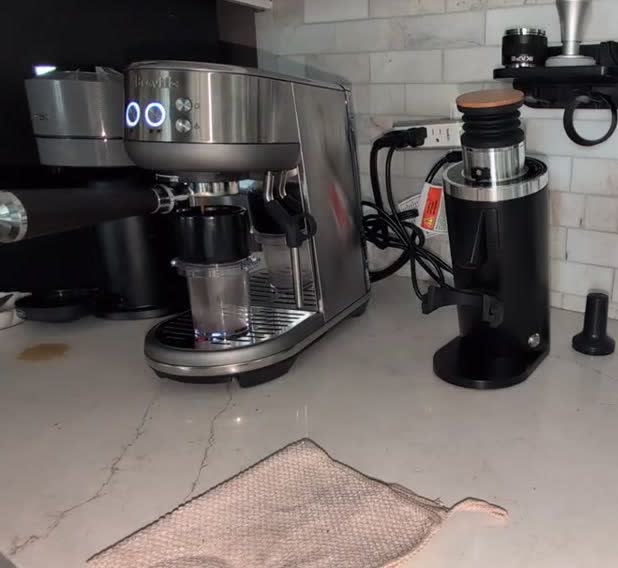
Generated espresso standard work step showing grounds transfer

Generated steps

Generated standard work step showing espresso extraction

Reviewed work

Capture workflow

Spend less time drafting. More time reviewing.

Capture prepares the first draft from your recording. Your team checks the sequence, images, hazards, and local requirements before the instruction is used.

1
Upload video

Use the source you already have.

Phone footage, mounted camera video, screen recordings, and changeover clips can all start the workflow.

2
Generate the draft

Steps, checks, tools, materials, timing.

The system creates structured instructions and pulls visual context from the source footage.

3
Review output

A person decides what is accurate.

Edit wording, add local requirements, remove noise, and approve only what should become official.

4
Export or send for approval

Choose how to use the instruction.

Export an editable DOCX. Add Capture Pro for hosted sharing and QR access, or Control for document review and release.

What Capture produces

A first version your team can actually review.

Instruction structure

Numbered steps, source images, checks, tools, materials, hazards, and notes organized for editing.

Check against the source

Compare the draft with the source video to check the steps and images.

Send to Control

With Control, submit the reviewed instruction as a proposed revision. The current version stays in place until approval.

Try it with a process you need to document.

Use a real video and compare the generated work instruction with what your team would normally write by hand.